
The Best Cash Flow Forecasting Software for Freelancers

You go looking for cash flow forecasting software, and within two clicks you’re staring at a platform promising “95% AI-driven accuracy” and “treasury-grade 13-week rolling forecasts,” with pricing that starts in the hundreds per month and a “book a demo” button where the price should be.
So you close the tab because none of that was built for a one-person business.
Truth is, most cash flow forecasting software is built for finance teams, not freelancers. The category is full of enterprise tools designed for companies with an accounts-receivable department.
But a small handful genuinely fit a one- to a few-person business — and some cost less than two coffees a month.
So the real question isn’t “what’s the most powerful forecasting tool?”
It’s which one fits how a freelancer actually gets paid, syncs to the books you already keep, and doesn’t need a finance degree to run — and whether you need software at all, or whether a free spreadsheet still wins.
Below is an honest comparison: price, platform, who each tool is for, and real reviews—the good and the bad—so you can pick the one that works for you.
Quick Takeaways
- Cash flow forecasting software shows your future cash position by syncing with your bank or accounting app, so you see a shortfall weeks out instead of the day it lands.
- Most tools ranking for this term are enterprise platforms. Freelancers really only need a few: Cushion, Pulse, Cash Flow Frog, and Float — plus the built-in planners in QuickBooks and Xero if you already use them.
- Expect to pay roughly $18–$55/month. The cheapest freelancer-native option, Cushion, starts around $18. (Prices verified July 2026 — always re-check; they move.)
- You might not need it at all. With a few clients and 15 minutes a month, our free cash flow projection template does the same job.
- Dedicated software earns its price once you’re juggling several clients with staggered payment dates and want automatic what-if scenarios.
Best cash flow forecasting software for freelancers, compared
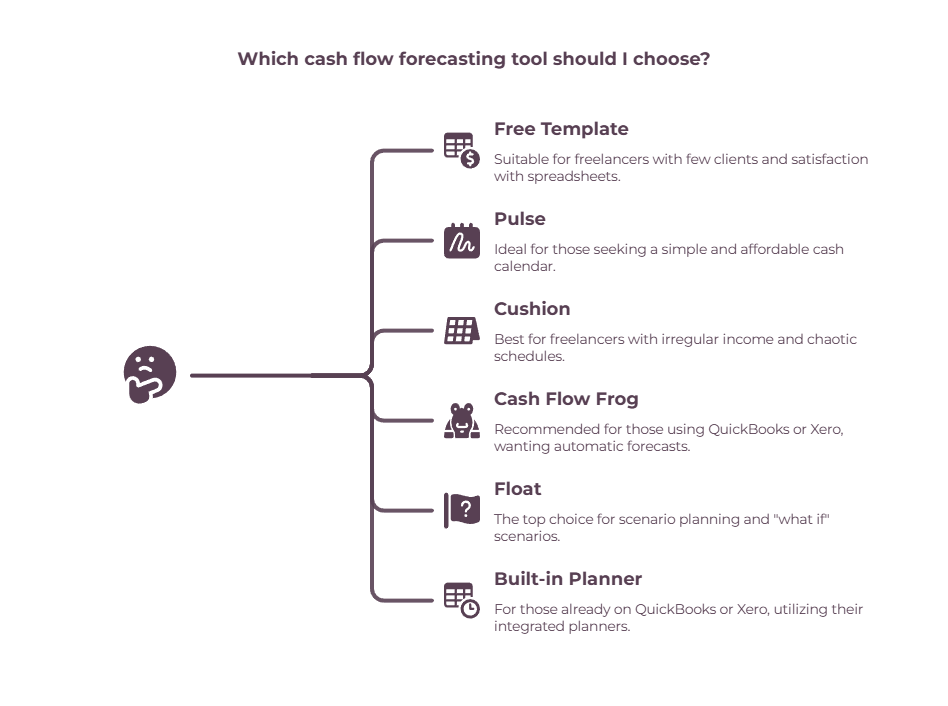
For most freelancers, the shortlist is short: Cushion for irregular income, Pulse for a cheap cash calendar, Cash Flow Frog for an automatic forecast built from your books, and Float for the best visual what-if scenarios. Here they are side by side.
| Tool | Best for | Price (approx, USD/mo) | Platform & integrations | Scenario planning | Rating | Reviews |
| Cushion | Feast-or-famine freelancers | ~$18 (Pro); $12–$24 tiers | Web only; freelancer-native (income, schedule, invoicing) | Basic | Testimonials only | On-site reviews |
| Pulse | Simple, cheap cash calendar | $29 / $59 / $89 | Web; QuickBooks Online (on $59+) | Toggle scenarios | Positive on G2 | G2, TrustRadius |
| Cash Flow Frog | Auto-forecast from your books | ~$55 (~$33 billed annually) | Web; QBO, Xero, FreshBooks, Zoho, Plaid | Yes (what-if) | Capterra 4.8, Xero 4.8 | Capterra, SoftwareAdvice |
| Float | Best visual scenario planning | from ~$31 (from ~$25 annually) | Web; Xero, QBO, FreeAgent | Strong (up to 8) | G2 4.4, Capterra 4.8 | Capterra, G2 |
| QuickBooks Cash Flow Planner | Freelancers already on QBO | Included in QBO | Inside QuickBooks Online | Basic | — | QuickBooks help |
| Xero short-term cash flow | Freelancers already on Xero | Included in Xero | Inside Xero (7–90 days) | Manual | — | Xero |
| Free template | Anyone not ready to pay | Free | Google Sheets / Excel | Manual | — | Our template |
Prices are approximate, in USD, and re-verified on each tool’s official pricing page in July 2026. Most scale with your revenue or feature tier, so always check the current price for your situation before subscribing.
Do you actually need cash flow forecasting software?

If you have a handful of clients and don’t mind 15 minutes a month, a free spreadsheet forecasts your cash just as well as a $40 app.
Dedicated software earns its price once you’re juggling several clients with staggered payment dates, want automatic what-if scenarios, or know you’ll never keep a spreadsheet up to date by hand. Be honest about which is you.
The pull of software is automation: it syncs to your bank or accounting app and updates the forecast as money actually moves, so you’re not retyping numbers. In practice, forecasting sits alongside invoicing, bookkeeping, expense tracking, and tax tools in a freelancer’s broader finance software setup.
The catch is that plenty of freelancers pay for a tool, use it for a month, and drift back to a spreadsheet — because the tool solved a problem they didn’t really have.
If you want to start for free, our cash flow projection template is built for freelance income and takes about 15 minutes a month.
And if your real problem is the system around the money — separating tax, paying yourself a fixed salary — a forecast alone won’t fix that; our cash flow management tools for freelancers cover the banking setup that does.
Buy forecasting software only when it removes a friction you can actually feel.
The best cash flow forecasting tools for freelancers, reviewed

Below, each tool with what it’s genuinely best at, current pricing, and one real positive and one real negative from users — because every tool has both.
Cushion — best for feast-or-famine freelancers
- Price: ~$18/mo (Pro); pay-what-you-can tiers at $12 and $24; 14-day trial, no free plan
- Platform & integrations: Web only (no mobile app); freelancer-native — income, invoicing, scheduling, bank connections
- Scenario planning: Basic
- Best for: Freelancers with irregular income and a chaotic schedule
- The catch: Web-only, solo-focused, no team features
- Rating: ⚠ No independent star rating — on-site testimonials only (not listed on G2/Capterra/Trustpilot)
- Check it out: cushionapp.com
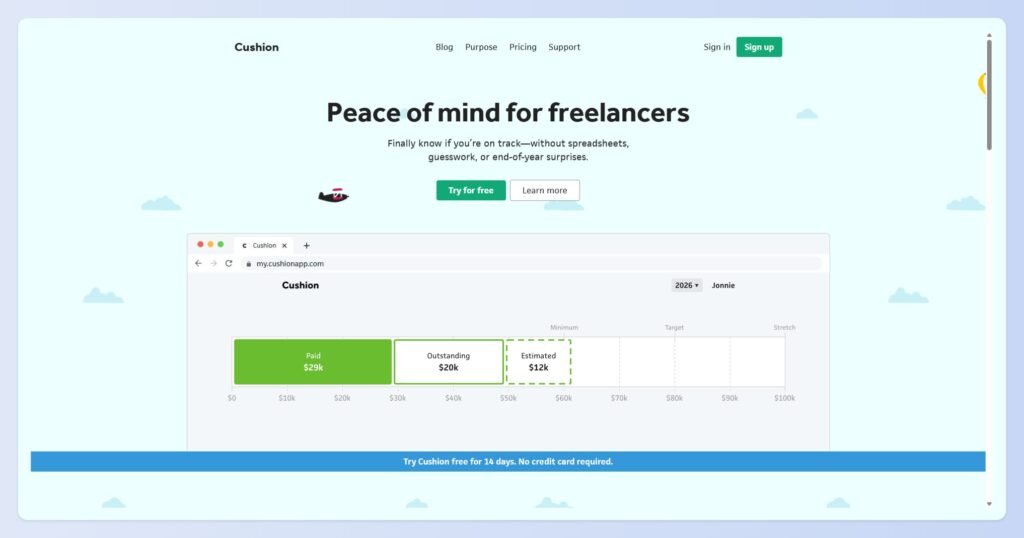
Cushion is the only tool here built by freelancers for freelancers, and it shows.
It forecasts your income and your schedule together, so you can see both the money and the overbooking coming. It rolls invoicing, time-tracking, budgeting, and financial goals into one freelancer-shaped app.
Pricing is refreshingly small: the full-featured Pro plan is around $18/month (about $15 billed annually), and there’s a pay-what-you-can model with a $12 “subsidized” tier and a $24 “supporter” tier for the same features.
There’s a 14-day trial and no free plan.
On the plus side, freelancers love how approachable it is — one user, business analyst Emily O’Byrne, puts it: “Cushion is pretty to look at, easy to use, and tells me what I need from simple info.”
However, it’s web-only, with no mobile app yet, and users feel it — a common refrain is “I love this, but I wish it worked on my phone too.” It’s also solo-focused, so it’s not the pick for a growing team.
Pulse — best cheap cash calendar
- Price: $29 (Basics) / $59 (Small Business, adds QBO sync) / $89 (Premium); 30-day free trial
- Platform & integrations: Web; QuickBooks Online sync on the $59+ plan; works in any currency
- Scenario planning: Toggle entries on/off to game out scenarios
- Best for: A simple, low-cost cash calendar
- The catch: Dated interface; QBO sync only on the $59 tier; some manual entry
- Rating: Positive on G2 & TrustRadius (G2 feature scores: Ease of Use 8.9/10, Support 8.6/10)
- Check it out: pulseapp.com
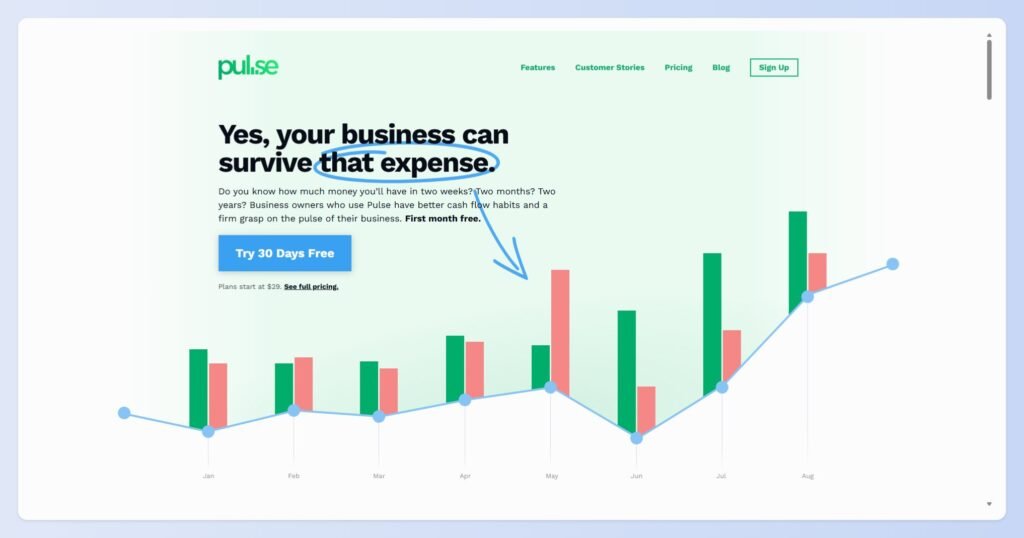
Pulse keeps it simple: a clean cash calendar where you see Money In and Money Out day by day, week by week, or month by month, and toggle entries on and off to game out scenarios. It works in any currency and doesn’t tie you to a specific accounting app.
Plans are $29/month for the Basics, $59/month for the Small Business plan (which adds QuickBooks Online sync, multiple accounts, and actual-vs-projected tracking), and $89/month for Premium.
There’s a 30-day free trial — one of the most generous here. Worth noting: the QuickBooks integration only comes in at the $59 tier, so the cheapest plan is manual entry.
Users consistently praise how easy it is to pick up and the responsive, human support. On the downside, the interface feels a little dated compared to newer tools, and there’s some manual data entry to get going before it hits its stride.
You can read the Pulse reviews on G2 to judge for yourself.
Cash Flow Frog — best automatic forecast from your books

- Price: ~$55/mo (Pro, up to $1M revenue); ~$33/mo billed annually; free trial + 30-day money-back
- Platform & integrations: Web; QuickBooks Online & Desktop, Xero, FreshBooks, Zoho Books, Plaid — the widest list here
- Scenario planning: Yes, visual what-if; daily out to 36 months
- Best for: A hands-off forecast built automatically from your accounting data
- The catch: Its AI can override Xero-set payment dates; thin setup docs
- Rating: 4.8/5 on Capterra (also 4.8/5 on the Xero App Store)
- Check it out: cashflowfrog.com
Cash Flow Frog’s trick is speed: connect QuickBooks or Xero, and it builds a forecast from your actual history in about a minute, then lets you run what-if scenarios and look anywhere from daily out to 36 months.
It has the widest integration list here — QBO, QuickBooks Desktop, Xero, FreshBooks, Zoho Books, and Plaid for bank feeds.
Pricing is revenue-based; the Pro plan (up to $1M in annual revenue) is around $55/month, dropping to roughly $33/month if you pay annually. It rates well — 4.8 on Capterra and 4.8 on the Xero App Store.
Reviewers like that it draws everything from QuickBooks automatically and makes scenario planning visual. But there’s a real, recurring complaint worth knowing: some Xero users report that the app’s AI overrides the payment dates they’ve set in Xero and applies its own predicted dates instead — which can quietly make the forecast inaccurate.
A few also find the setup docs thin and the billing screens confusing.
Float — best visual scenario planning
Price: From ~$31/mo (~$25/mo annually), scales with revenue; 14-day trial
Platform & integrations: Web; Xero, QuickBooks Online, FreeAgent; unlimited users on every plan
Scenario planning: Strongest here — up to 8 scenarios side by side, plus 36-month and 13-week views
Best for: Freelancers who want the slickest visual what-if modeling
The catch: Pricey as revenue grows; effectively single-currency
Rating: 4.4/5 on G2 (4.8/5 on Capterra)
Check it out: floatapp.com
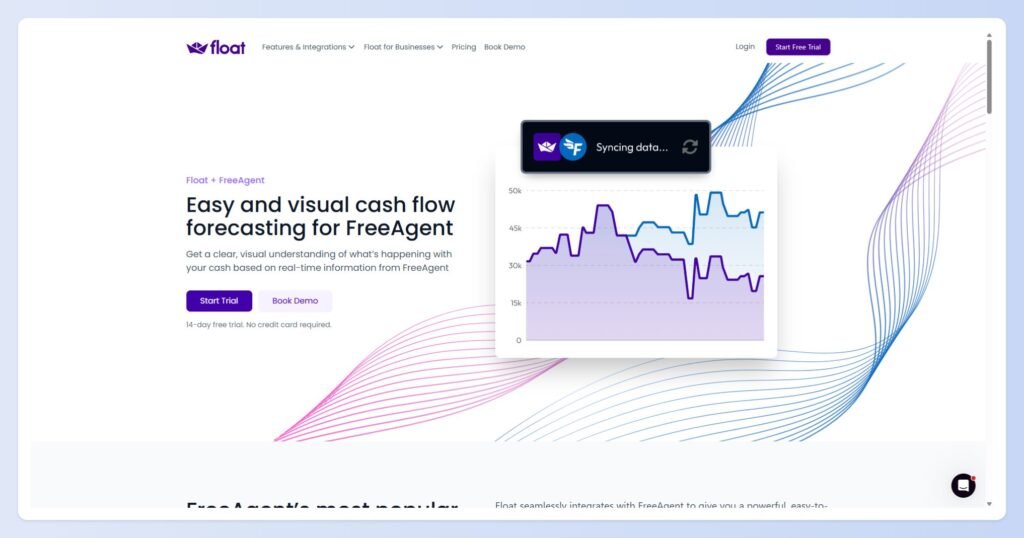
Float is the slick one. It turns your Xero, QuickBooks, or FreeAgent data into a visual, draggable forecast, and its scenario planning is the strongest here — you can model and compare up to eight what-if scenarios (a hire, a lost client, a big invoice) side by side, with 36-month and 13-week views and unlimited users on every plan.
Float’s pricing scales with your revenue: for a small freelancer, it starts from around $31/month billed monthly (about $25/month billed annually) and climbs steeply as revenue grows, so check the slider for your numbers.
There’s a 14-day trial. It’s well rated — 4.4 on G2 and 4.8 on Capterra.
Plenty of praise here says it replaces spreadsheets, syncs cleanly with Xero, and makes scenarios genuinely useful.
The honest negatives from Capterra reviewers: it’s on the pricey side for a very small business, it’s effectively single-currency, and the budgets-versus-actuals part of the interface can be confusing at first.
Already on QuickBooks or Xero? Use the built-in planner first
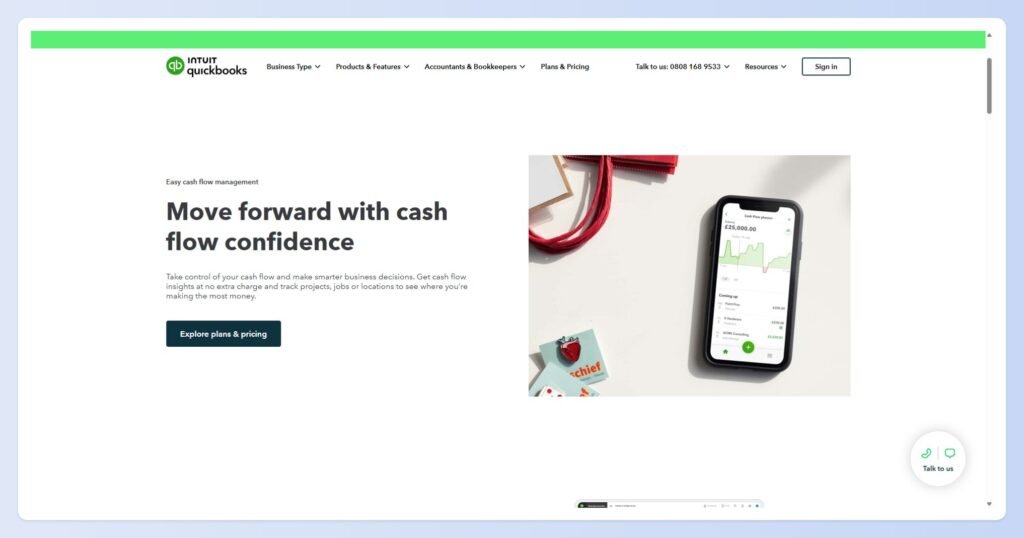
Before you pay for anything, check what you already own. QuickBooks Online includes a Cash Flow Planner that forecasts recurring income and expenses from your connected accounts, with a view up to 24 months.
Xero’s short-term cash flow tool is on every plan and projects the next 7 to 90 days, letting you add one-off amounts to model changes.
Neither is as powerful as a dedicated tool, but for a lot of freelancers, they’re genuinely enough — and free with a subscription you already pay for. Don’t buy a second tool to do a job your accounting software already does.
QuickBooks Cash Flow Planner
- Price: Included in your QuickBooks Online plan
- Platform & integrations: Built into QuickBooks Online
- Scenario planning: Basic
- Best for: Freelancers already paying for QBO
- The catch: Less powerful than a dedicated tool; up to 24-month view
- Rating: N/A (built-in feature)
- Check it out: quickbooks.intuit.com
Xero short-term cash flow
- Price: Included in every Xero plan
- Platform & integrations: Built into Xero
- Scenario planning: Manual (add one-off amounts)
- Best for: Freelancers already on Xero
- The catch: Short horizon only — 7 to 90 days
- Rating: N/A (built-in feature)
- Check it out: xero.com
A note on Fathom and the “enterprise” tools
You’ll see Fathom, HighRadius, Workday, and similar names all over this category. They’re excellent — Fathom in particular is well loved by accountants — but they’re built for advisory firms and finance teams, with three-way modeling most freelancers will never touch.
Dryrun sits in a similar advisor-leaning spot, strong on scenario planning but priced and pitched at client-advisory work. For a business of one, they’re more tool than you need.
Float vs Cash Flow Frog: which should a freelancer pick?
Pick Float if you want the slickest visual scenarios, live on Xero or QuickBooks, and don’t mind paying a bit more; pick Cash Flow Frog if you want an automatic forecast built straight from your books at a lower annual price — and you can work around its date-handling quirk.
They’re the two most-compared tools here for good reason.
| Float | Cash Flow Frog | |
| Entry price (approx) | from ~$31/mo (~$25 annually) | ~$55/mo (~$33 annually) |
| Best at | Visual what-if scenarios | Auto-forecast from your books |
| Integrations | Xero, QBO, FreeAgent | QBO, Xero, FreshBooks, Zoho, Plaid |
| Scenarios | Up to 8, side by side | Yes, visual |
| Rating | G2 4.4 / Capterra 4.8 | Capterra 4.8 / Xero 4.8 |
| Watch out for | Pricey at higher revenue, single-currency | AI can override Xero payment dates |
If you mostly want a fast, hands-off forecast and you’re cost-conscious over a year, Cash Flow Frog’s annual price is hard to beat. If scenario modeling is the whole reason you’re buying software, Float is worth the premium.
How to choose cash flow forecasting software
Match the tool to your situation rather than chasing features you’ll never use. Here’s the short version.
| If you… | Pick | Why |
| Have a few clients and 15 min/month | The free template | Software is overkill |
| Want the cheapest simple forecast | Pulse ($29) | Easy cash calendar |
| Have irregular income + a messy schedule | Cushion (~$18) | Built for freelancers |
| Want an auto-forecast from your books | Cash Flow Frog | Pulls from QBO/Xero |
| Want the best visual what-if scenarios | Float | Strongest scenarios |
| Already pay for QuickBooks or Xero | The built-in planner | Don’t pay twice |
So which should you actually pick?
Freelancers with lumpy income and a chaotic calendar should start with Cushion — nothing else here speaks your language as well, and it’s the cheapest real tool on the list. If you just want a dead-simple cash calendar, Pulse at $29 does it.
Already using QuickBooks or Xero? Cash Flow Frog is the value pick if you want your forecast to build itself, especially on the annual plan.
And if scenario planning is the point — you’re constantly asking “what if this client leaves” — Float is the one worth paying up for.
But don’t buy software to feel organized. The best forecast tool is the one you’ll actually keep updated, and for a lot of freelancers, that’s still a free spreadsheet.
Start with our cash flow projection template, and if you outgrow it — more clients, staggered payments, real scenarios to model — come back and pick the tool that fits.
If the deeper issue is why the cash keeps disappearing, our guide to cash flow problems for freelancers helps you find the leak first.
Frequently Asked Questions
What is cash flow forecasting software?
It’s a tool that projects your future cash position by pulling your income and expenses from your bank or accounting app and mapping them forward over the coming weeks or months.
Unlike accounting software, which records what already happened, forecasting software tells you what your bank balance will look like next, so you can spot a shortfall early.
What’s the best cash flow forecasting software for freelancers?
For most freelancers, Cushion (best for irregular income, ~$18/month), Pulse (cheapest simple cash calendar, $29/month), Cash Flow Frog (best automatic forecast from your books), and Float (best visual scenario planning) are the top picks.
If you already use QuickBooks or Xero, their built-in planners may be all you need.
Do I need forecasting software, or is a spreadsheet enough?
A spreadsheet is enough if you have a handful of clients and will update it for 15 minutes a month.
Software is worth paying for once you’re managing several clients with staggered payment dates, want automatic what-if scenarios, or know you won’t keep a spreadsheet current by hand.
How much does cash flow forecasting software cost?
For freelancer-friendly tools, roughly $18 to $55 a month (verified July 2026). Cushion starts around $18, Pulse at $29, Float from about $31, and Cash Flow Frog around $55 (or ~$33 billed annually).
Enterprise tools cost far more but aren’t built for a business of one. Always check current pricing, as most tools scale with your revenue.
Does QuickBooks or Xero do cash flow forecasting?
Yes. QuickBooks Online has a built-in Cash Flow Planner that forecasts up to 24 months, and Xero includes a short-term cash flow tool that projects the next 7 to 90 days. Both are included in your subscription, so try them before paying for a separate tool.
What’s the difference between cash flow forecasting and accounting software?
Accounting software (like QuickBooks, Xero, or Wave) records and categorizes what has already happened — income, expenses, invoices. Forecasting software looks forward, using that data to predict your future cash position so you can act before a shortfall hits.
Many freelancers use both, and most forecasting tools plug straight into the accounting app.
If you’re still choosing an accounting platform, see our comparison of the best accounting software for freelancers before investing in a separate forecasting tool.
Related guides: accounting software for freelancers · cash flow management tools · cash flow problems · cash flow projection template · finance software options for freelancers and consultants