The Best Free Productivity Tools for Freelancers

You built your whole setup around free productivity tools. Then Todoist quietly stopped letting you add projects, Trello ran out of boards, and the “free” focus app you downloaded turned out to be a seven-day trial that just charged your card. So much for free.
“Free” is one of the most abused words in software. Some tools really are free forever, with full value and no clock ticking. Some give you a genuine but capped free tier. And some slap “free” on what is really paid software with a countdown timer.
So the real question isn’t “what’s free” — it’s which kind of free, and where the free version stops being enough. Get that right, and you can run a complete freelance productivity setup for $0 without a single nasty surprise.
This guide sorts them out, category by category, and hands you a $0 starter stack you can set up today.
This is the free-tools deep dive from our full guide to productivity tools for freelancers — start there for the paid picks and the systems behind the tools.
Quick Takeaways
- You can run a full freelance productivity stack for $0 — the trick is knowing which “free” is real.
- Genuinely free forever: Clockify, Notion (solo), Obsidian, Google Calendar, Google Keep, Gmail, Cold Turkey.
- Free but capped (freemium): Todoist (project limit), Trello (10 boards), Toggl Track (5 users) — great until you hit the ceiling.
- “Free,” that’s really a trial: Akiflow, Sunsama, Motion, Superhuman — good tools, but not free.
- The best free stack beats a paid one you barely use. Start at $0 and only pay when you hit a real wall.
The best free productivity tools for freelancers, compared
The genuinely free-forever standouts are Clockify (time), Notion and Obsidian (notes), Google Calendar (time blocking), Google Keep (quick notes), Gmail (email), and Cold Turkey (focus). Todoist, TickTick, Trello, and Toggl are free but capped, and the popular time-blocking apps are trial-only.
Here’s the whole field at a glance, with the catch spelled out for each.
🟢 Free forever
| Tool | Job | The catch |
|---|---|---|
| Clockify | Time tracking | Invoicing & admin features are paid |
| Google Calendar | Time blocking | None for solo use |
| Notion | Notes + tasks | Team collaboration is paid |
| Obsidian | Notes | Sync/publish add-ons are paid |
| Google Keep | Quick notes | Basics only, no depth |
| Gmail + filters | 15GB shared storage | |
| Cold Turkey | Focus | Scheduling needs one-time Pro |
🟡 Freemium (real, but capped)
| Tool | Job | The catch | Upgrade |
|---|---|---|---|
| Todoist | Tasks | ~5 projects, no reminders | ~$5/mo |
| TickTick | Tasks | Limited habits & reminders | ~$4/mo |
| Trello | Task boards | 10-board cap; Power-Ups paid | ~$5/mo |
| Toggl Track | Time tracking | Reporting/team features paid | ~$9/user/mo |
🔵 “Free” that’s really a trial
| Tool | Job | The reality |
|---|---|---|
| Akiflow, Sunsama & Motion | Time blocking | 7–14 day trial, then paid (not actually free) |
Free tiers and their limits change often — verified July 2026. Confirm the current limit on the tool’s pricing page before you rely on it.
Not all “free” is the same: free forever vs freemium vs trial
Three very different things hide behind the word “free,” and mixing them up is how freelancers get burned. Learn the difference once, and you’ll never be surprised by a paywall again.
- 🟢 Free forever — the tool gives you real, lasting value with no time limit and no credit card. Clockify, Google Calendar, Obsidian, Google Keep, and Gmail live here. You can build a whole business on these and never pay.
- 🟡 Freemium — there’s a genuine free tier, but it’s capped, and the cap is designed to nudge you to upgrade eventually. Todoist limits projects, Trello limits boards, and Toggl limits users. Free is fine until you outgrow the ceiling — which is completely reasonable, as long as you know where it is.
- 🔵 Free trial — this isn’t free at all. It’s paid software with a countdown, after which your card gets charged. Akiflow, Sunsama, Motion, and Superhuman are good tools, but calling them “free” is a stretch.
Every tool below is labeled with which kind of free it is, so you always know what you’re signing up for.
The best free productivity tools for freelancers, by category
The smart move is to pick one genuinely free tool per job — tasks, time, calendar, notes, email, and focus — and only reach for a paid tier when a free one actually blocks your work. Here are the best free options, category by category, with the catch on each.
Best free to-do list and task apps
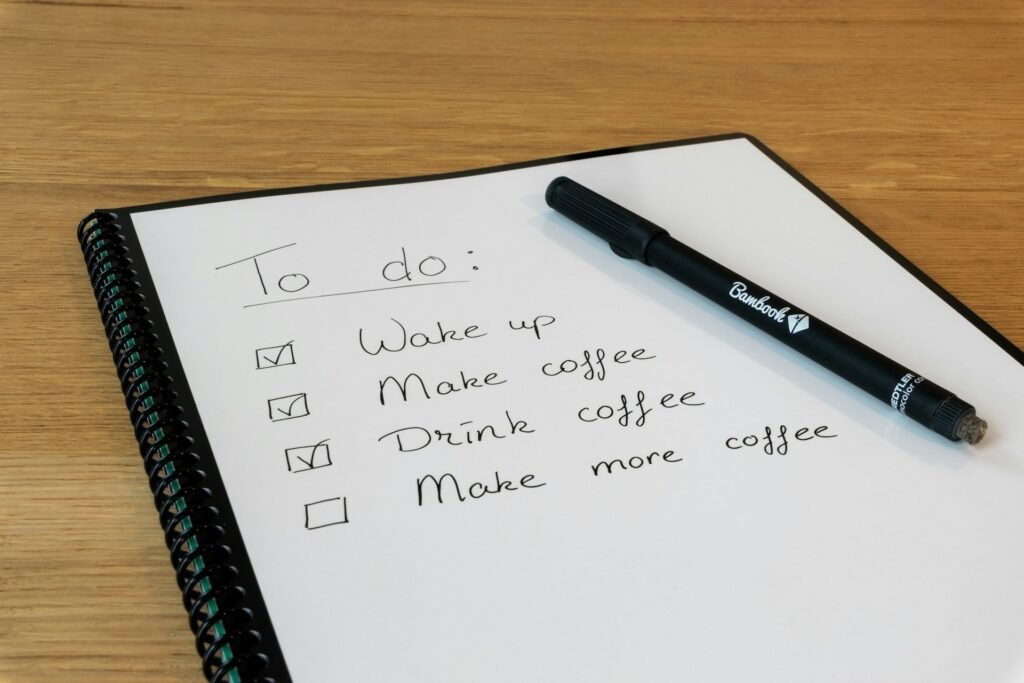
Notion‘s free personal plan is the most powerful free option — unlimited pages for tasks, notes, and docs in one place — while Todoist and TickTick are cleaner, dedicated to-do apps whose free tiers are capped. For a simple free task list, all three work; for an all-in-one, Notion wins.
The catch: Todoist’s free plan limits you to around five active projects and leaves out reminders and filters, which is where juggling multiple clients starts to pinch. TickTick’s free tier is more generous (it includes a calendar view) but caps habits and reminders.
Notion’s free plan is genuinely full-featured for a solo freelancer — the paywall is really about team collaboration, which you don’t need working alone.
For the AI-powered task tools that plan your day for you, see our guide to the best AI to-do list apps.
Best free time tracking
Clockify is the best free productivity tool on this entire list — genuinely unlimited time tracking, projects, and users, free forever, with no asterisk. If you bill by the hour, this alone can replace a paid tool.
The catch is minor: invoicing, time approvals, and some reporting sit behind the paid Basic tier (around $4/user/month), but the core tracking most freelancers need costs nothing. Toggl Track is the other strong free option — its free plan covers unlimited tracking for up to five users — but Clockify’s is more generous.
Either pairs perfectly with the scheduling methods in our time management for freelancers guide.
Best free time blocking and calendar
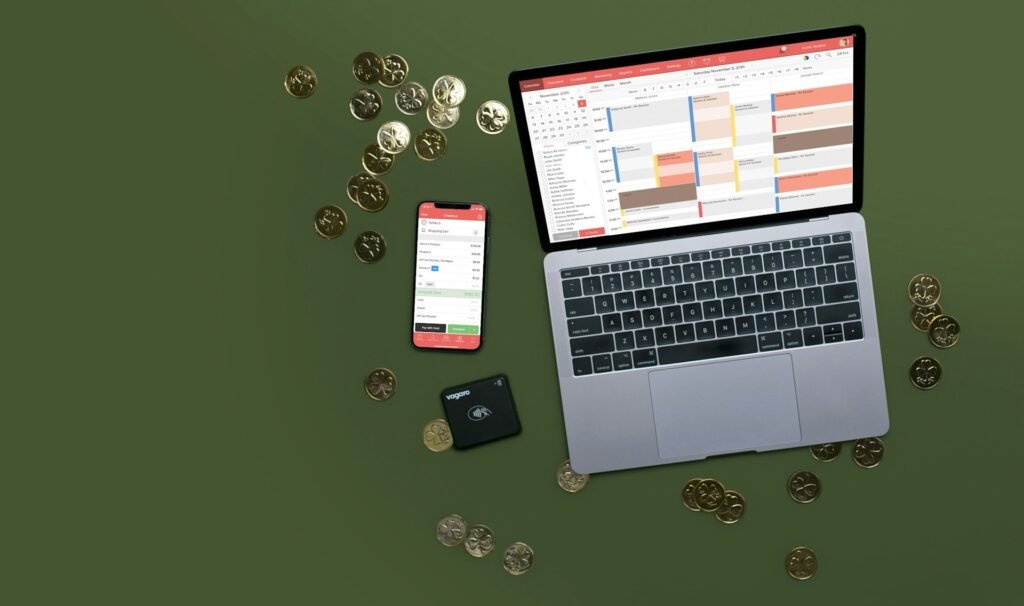
Google Calendar is the best free time-blocking tool there is — drag your tasks into time slots, color-code by client, and it syncs across every device for nothing. For the single most valuable productivity habit, you don’t need to spend a cent.
Here’s a catch that isn’t about Google: the dedicated time-blocking apps freelancers love — Akiflow, Sunsama, and Motion — are trial-only, not free. They’re excellent, but budget for around $19–34/month if you go that route.
Until then, time blocking straight in Google Calendar does 90% of the job. Our time blocking apps guide covers the paid upgrades if you outgrow it.
Best free note-taking
For free notes, Notion is best for structured notes and databases; Obsidian is best if you want private, local Markdown notes you fully own, and Google Keep is best for fast, throwaway capture. All three are genuinely free.
Notion’s free plan is complete for solo use; Obsidian’s core app is free forever, with only optional sync and publish add-ons costing extra (around $4/month); Google Keep is free but deliberately basic.
A good note system needs structure more than features, so grab our free freelancer note-taking template and drop it into whichever you choose.
Best free email management
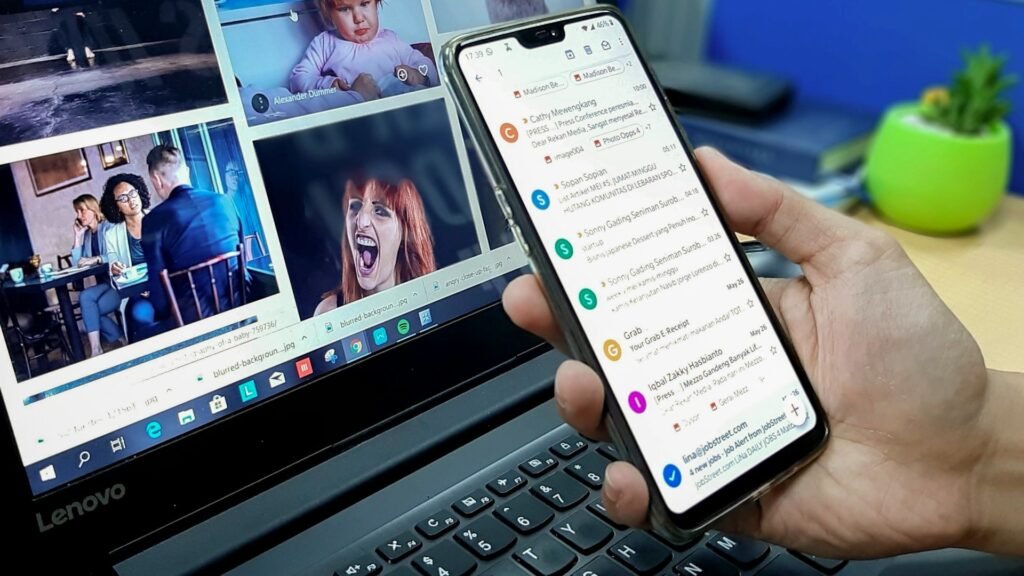
Gmail with filters and labels is the best free email setup for freelancers — a well-built set of filters gives you more inbox control than most paid apps, at no cost — and Thunderbird is the best free desktop client if you prefer one. The system beats the software here.
The polished paid email tools — Superhuman (around $30/month) and SaneBox (from around $7/month) — buy you speed and automatic filtering, but they’re upgrades, not necessities.
For most freelancers, a batch-processing routine on free Gmail is the whole answer. Our email management systems guide shows how to build that routine.
Best free focus and deep-work tools
Cold Turkey is the best free focus tool — its free version blocks distracting sites hard — while Forest is free on Android and Pomofocus is a free web Pomodoro timer that needs no download. Enforced focus without a subscription.
Cold Turkey’s free version blocks sites, but scheduling blocks in advance needs the one-time Pro upgrade (around $39, paid once, not monthly). Forest is a paid app on iPhone but free on Android.
And Freedom, the popular cross-device blocker, is paid with a limited trial.
Best free docs, design, and AI tools
Beyond the core jobs, a few free staples round out any freelance setup: Google Workspace‘s free tools (Docs, Sheets, Slides, and 15GB of Drive storage), Canva‘s genuinely useful free plan, and the free tiers of ChatGPT and Gemini for writing and brainstorming. These cost nothing and cover documents, quick design, and AI assistance.
Canva’s free plan is generous (its Magic Write AI gives you a set number of free generations before you hit the paid tier), and the free AI assistants cap usage or model access but are plenty for everyday drafting.
Google Meet and Zoom both have free tiers for client calls, with Zoom capping group calls at 40 minutes.
How to build a completely free freelance productivity stack
You can cover every core job — tasks, time, notes, calendar, email, and focus — without paying a cent. A full $0 stack is Notion + Clockify + Google Calendar + Google Keep + Gmail + Cold Turkey. It’s genuinely enough to run a solo freelance business.
| Job | Free pick | Why it’s enough |
| Tasks & notes | Notion (free) | All-in-one, unlimited pages for solo use |
| Time tracking | Clockify | Truly unlimited, free forever |
| Time blocking | Google Calendar | Free, syncs everywhere |
| Quick capture | Google Keep | Instant notes and reminders |
| Gmail + filters | Full inbox control, free | |
| Focus | Cold Turkey | Free website blocking |
Set that up in an afternoon, and you’ve got a complete system for $0. Don’t add anything else until you feel a specific pinch — the goal is a lean stack you actually use, not a collection of free apps you forget about.
When should a freelancer upgrade from free to paid?
Upgrade only when a free tool actively blocks real work — not because a paid tier looks shinier. Free is genuinely fine until you hit one of these walls.
- You need reminders and more projects → Todoist’s free cap is slowing you down; Pro is around $5/month.
- You’ve hit Trello’s 10-board limit → time for a paid plan or a switch to Notion.
- You want invoices built from tracked time → Clockify or Toggl’s paid tier, or pair free tracking with separate invoicing.
- You want your calendar to plan itself → an AI time-blocking tool like Motion (paid).
- Email is eating your day → a paid tool like SaneBox may pay for itself in reclaimed hours.
When you do reach one of these, our full productivity tools for freelancers guide has the paid picks that are worth the money. Until then, stay free without guilt.
The bottom line
You don’t need to spend anything to be a productive freelancer. Build the $0 stack first, learn how you actually work, and only pay when a tool genuinely holds you back — not before.
Productivity is only one part of the software stack, however. The wider range of apps for freelancers also includes tools for invoicing, banking, contracts, project management, and client communication.
Free forever, freemium, or trial: now you know which is which, and you can choose with your eyes open.
Frequently Asked Questions
What are the best free productivity tools for freelancers?
The best genuinely free tools are Clockify (time tracking), Notion and Obsidian (notes and tasks), Google Calendar (time blocking), Google Keep (quick notes), Gmail with filters (email), and Cold Turkey (focus).
All are free forever. Todoist, TickTick, Trello, and Toggl Track also have solid but capped free tiers.
Is there a completely free productivity app?
Yes — several. Clockify (time tracking), Google Calendar, Google Keep, Obsidian, and Gmail are free forever with no time limit. Notion is free forever for solo use. You can combine these into a full productivity system without paying anything.
What’s the best free to-do list app for freelancers?
Notion’s free plan is the most capable if you want tasks and notes together; Todoist and TickTick are cleaner, dedicated to-do apps, though their free tiers cap projects, reminders, or habits. For a simple free list, any of the three works well.
What’s the best free time tracking app?
Clockify is the standout — it offers genuinely unlimited time tracking, projects, and users for free, with no time limit. Toggl Track’s free plan is also strong, covering unlimited tracking for up to five users. Both are more than enough for a solo freelancer billing by the hour.
Are free productivity tools good enough for freelancers?
For most freelancers, yes. A free stack of Notion, Clockify, Google Calendar, Gmail, and Cold Turkey covers every core job. You typically only need to pay once you require team collaboration, invoicing built from tracked time, more projects, or AI scheduling.
Which “free” tools are actually just free trials?
Several popular time-blocking and email tools — Akiflow, Sunsama, Motion, and Superhuman — are marketed as “free” but are really paid software with a limited trial. They’re good tools, just not free ones, so budget for a monthly cost if you choose them.
When should I upgrade from a free tool to a paid one?
Upgrade only when a free tool blocks real work: you’ve hit a project or board cap, you need reminders, you want invoicing from your tracked hours, or you need team collaboration. Until a specific limit gets in your way, the free version is genuinely enough.
Related guides: productivity tools for freelancers · best apps for freelancers · best AI to-do list apps · email management systems