What is the Best Freelance Billing Software Available?
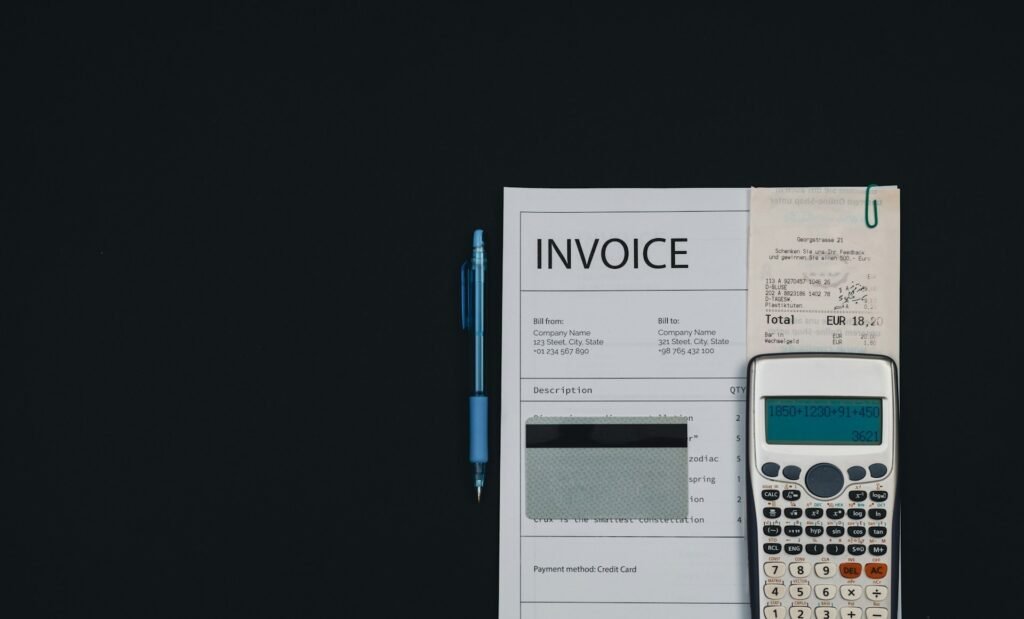
You send a clean, branded invoice. The client pays on time. And then your freelance billing software freezes the funds “for review” for ten days. On paper, you’ve been paid. In your bank account, there’s nothing.
That scenario is more common than the glossy software pages admit, and it points to the thing most billing roundups miss: a nice-looking invoice is the easy part.
The whole point of billing software is getting the money into your account — reliably, quickly, and without a surprise fee skimmed off the top.
So the real question isn’t “which tool makes the prettiest invoice.” It’s the billing software fits how you actually bill, keeps payment fees low, and gets you paid without holding your money hostage.
Below, each one is compared honestly on price, features, platforms, and real reviews — including the payment-trust red flags you need to know before you route a client’s money through any of them.
Quick Takeaways
- Top picks by use-case: FreshBooks (paid all-rounder), Wave or Zoho Invoice (free), Invoice Ninja (open-source), Bonsai (all-in-one), Harvest (hourly billing).
- Free is genuinely usable here — Wave, Zoho Invoice, and Invoice Ninja can run a freelance business at $0, with caveats worth reading.
- Watch the payment side, not just the invoice — some tools hold funds or take surprise fees (flagged below).
- Match the tool to how you bill: flat-rate, retainer, and hourly point to different answers.
- Prices climbed across the board in 2025–2026 (FreshBooks raised its prices three times), so verify current pricing before committing.
The best freelance billing software, compared
FreshBooks is the best paid all-rounder; Wave and Zoho Invoice are the best free options; Invoice Ninja is best for data control; Bonsai is best all-in-one; and Harvest is best for hourly billers. Here’s the whole field side by side.
| Tool | Best for | Price (approx) | Free option | Rating | Platform |
| FreshBooks | Professional all-round billing | Lite ~$23 → Premium ~$70/mo | Trial only | G2 4.4 / Capterra 4.5 | Web, iOS, Android |
| Wave | Free invoicing + accounting | Free; Pro ~$19/mo | Yes | G2 4.3 / Capterra 4.4 / TP 1.3 | Web, iOS, Android |
| Zoho Invoice | Best free feature set | Free | Yes | Capterra ~4.7 | Web, iOS, Android |
| Invoice Ninja | Open-source / self-host | Free (~5 clients); paid ~$18/mo | Yes | Capterra ~4.7 | Web, iOS, Android, self-host |
| Bonsai | All-in-one (contracts + invoicing) | ~$9–49/user/mo | Trial only | Capterra 4.6 / G2 4.3 | Web, iOS, Android |
| Harvest | Hourly billers (time → invoice) | Free (1 seat); Pro ~$11–14/seat/mo | Yes | ~4.5 Capterra | Web, iOS, Android |
| PayPal / Stripe / Square | No-subscription invoicing | Pay-per-transaction (~2.9% + fixed) | Yes (no monthly) | High | Web, iOS, Android |
Prices and ratings verified in July 2026. Invoicing pricing changes often — confirm on each tool’s own page before subscribing.
What to look for in freelance billing software
The features that matter most for freelancers are recurring invoices, automated payment reminders, low payment-processing fees, multi-currency support, and reliable payouts — plus time tracking if you bill by the hour. Before you compare tools, know what you’re actually shopping for.
- Recurring invoices — set retainer or subscription billing once and let it send itself.
- Automated payment reminders — the single biggest lever on getting paid on time.
- Online payments and the fee — card processing usually costs around 2.9% + a fixed fee; over a year, that adds up.
- Multi-currency — non-negotiable if you have international clients.
- Tax/VAT handling — correct tax on invoices and VAT if you work across borders.
- Time and expense tracking — essential if you bill hourly; nice-to-have otherwise.
- Client portal and branded templates — how professional you look when you ask to be paid.
- Payout reliability — the one most lists ignore: does the tool hold your funds or pay out cleanly?
The best freelance billing software, reviewed
Below, each tool in depth — what it is, what it costs, the platforms it runs on, its real pros and cons, and honest reviews.
FreshBooks — best paid all-rounder
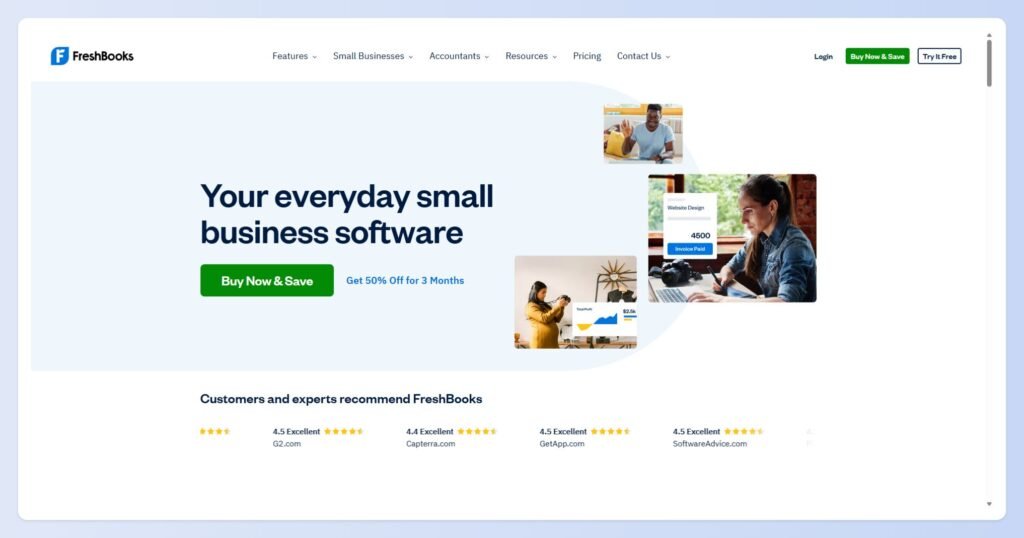
FreshBooks has been the default professional invoicing tool for freelancers for over a decade, built around a clean, invoice-first workflow with strong automation and built-in time tracking. If you bill regularly and want the polished option, this is it.
- Price: Lite around $23/month, up to Premium around $70/month. (FreshBooks raised prices three times between early 2025 and 2026.)
- Platform: Web, iOS, Android.
- Key features: recurring invoices, automated reminders, online payments, time tracking, expenses, 100+ integrations, multi-currency.
- Pros:
- Polished, genuinely easy invoice workflow
- Strong automation (reminders, recurring, late fees)
- Built-in time tracking and 100+ integrations
- Cons:
- Prices have risen repeatedly
- Client limits on lower tiers
- Extra per-user fees
- Reviews: roughly 4.4 on G2 and 4.5 on Capterra; lower on Trustpilot (~3.9). Users praise invoicing clarity and time-tracking integration; the common complaint is cost creep and the client caps on cheaper plans.
- Best for: established freelancers who bill often and want automation at a rock-bottom price.
Wave — best free invoicing with real accounting
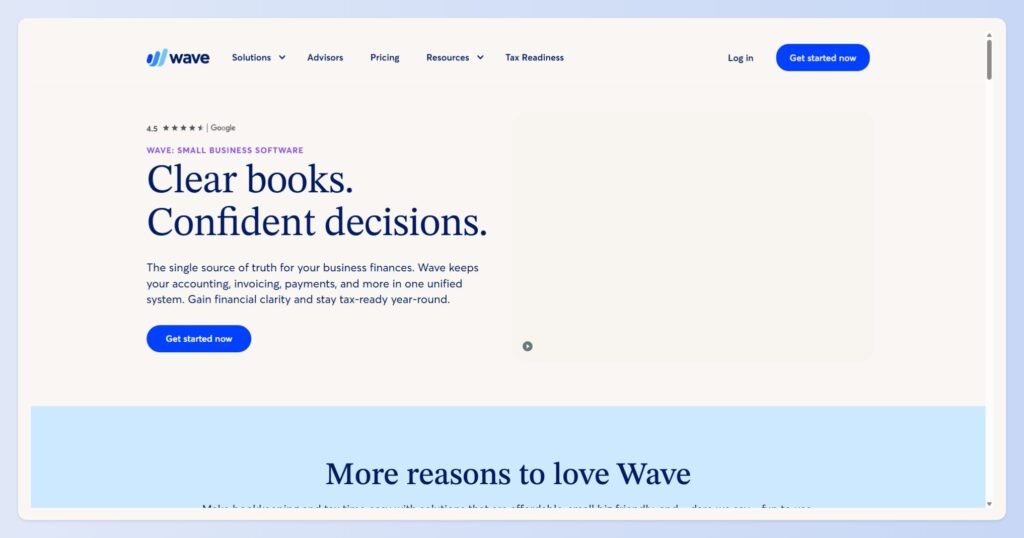
Wave offers genuinely free invoicing — unlimited invoices for unlimited clients — bundled with real accounting, which makes it the go-to for budget-conscious freelancers. The catch is on the payments side, so read the cons carefully.
- Price: Starter is free; Pro is around $19/month. Card payments cost 2.9% + $0.60 per transaction.
- Platform: Web, iOS, Android.
- Key features: unlimited invoicing, recurring invoices, payment reminders, income/expense tracking, basic accounting and reports.
- Pros:
- Genuinely free for core invoicing and accounting
- Simple and quick to learn
- Unlimited clients on every plan
- Cons:
- Documented reports of held or frozen funds through Wave Payments
- Customer support has weakened since the H&R Block acquisition
- No longer accepts new accounts outside the US and Canada
- Reviews: around 4.3 on G2 and 4.4 on Capterra — but a striking 1.3 on Trustpilot, driven largely by payment-hold and support complaints. That gap between the software ratings and the payments reputation is the whole story with Wave.
- Best for: freelancers on a strict budget with simple needs — who use a separate, trusted payment method if they can.
Zoho Invoice — best free feature set
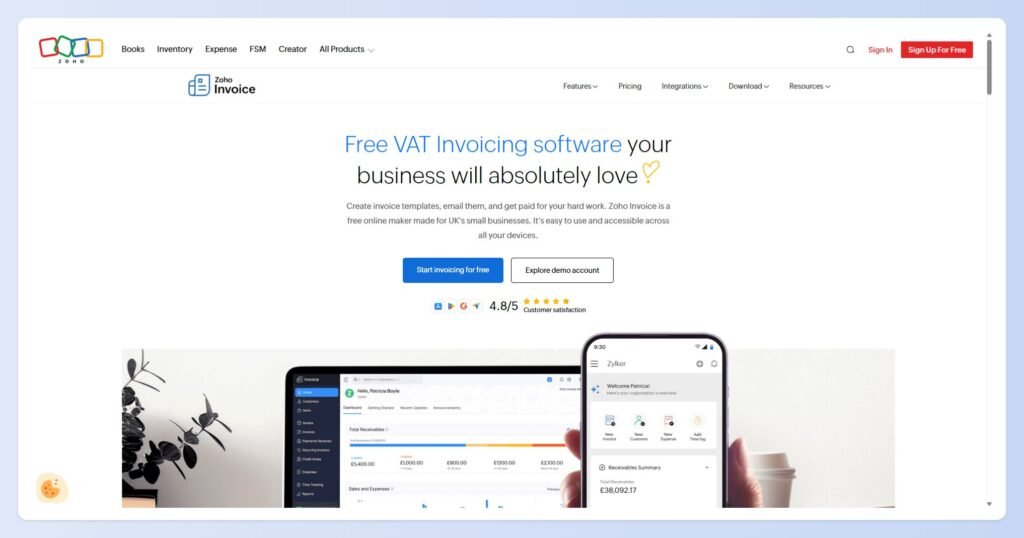
Zoho Invoice is the most feature-rich genuinely free option, offering recurring billing, a client portal, time and expense tracking, and multi-currency support at no cost. It punches well above its price of zero.
- Price: Free for invoicing. (Connecting other Zoho apps costs extra.)
- Platform: Web, iOS, Android.
- Key features: custom templates, recurring invoices, client portal, time/expense tracking, multi-currency, payment reminders, 2FA.
- Pros:
- Remarkable feature set for free
- Clean invoice creation and good mobile apps
- Client portal and multi-currency included
- Cons:
- Limits on layout control and bulk actions
- Support can be inconsistent
- Deeper needs push you into the paid Zoho ecosystem
- Reviews: around 4.7 on Capterra. Reviewers repeatedly call out how much you get for free; complaints center on customization limits and slow support.
- Best for: freelancers who want a professional, full-featured invoicing tool without paying — and don’t need deep customization.
Invoice Ninja — best open-source and data control
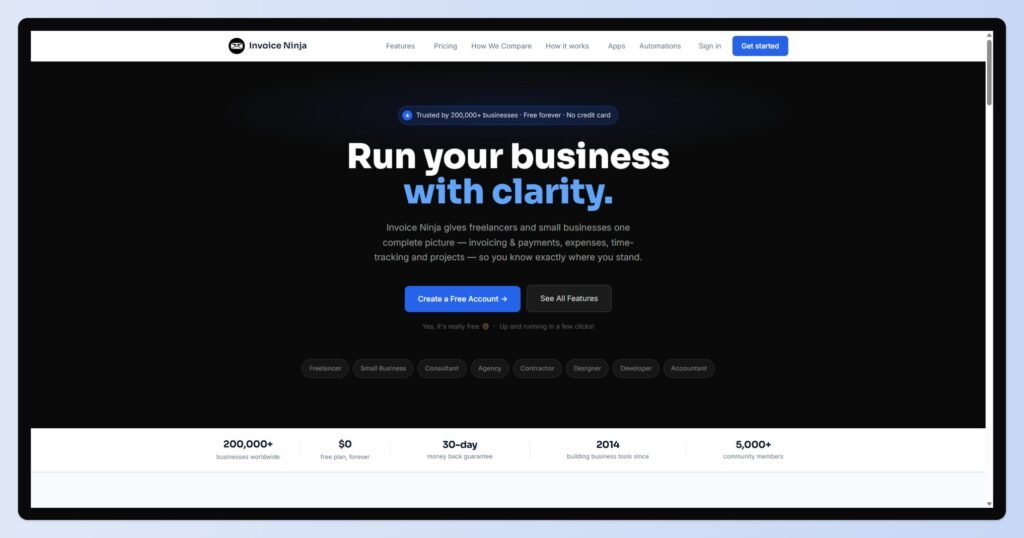
Invoice Ninja is the open-source pick: unlimited invoicing, dozens of payment gateways, and the option to self-host so your billing data stays entirely under your control. It’s the choice for the privacy- and control-minded.
- Price: Hosted free plan (around 5 clients, unlimited invoices); paid plans from around $18/month (raised in January 2026). The self-hosted open-source version is free with unlimited clients.
- Platform: Web, iOS, Android, and self-hosted on your own server.
- Key features: unlimited invoices, recurring billing, quotes, expense and time tracking, 40+ payment gateways, deep customization.
- Pros:
- Open-source with a self-hosting option for full data control
- Highly customizable templates and workflows
- Wide range of payment gateways
- Cons:
- Mobile app is weaker than the desktop version
- Interface is “functional” rather than polished
- Steeper learning curve; hosted free tier now caps clients
- Reviews: around 4.7 on Capterra. Fans love the control and customization; critics cite the clunkier mobile experience and occasional post-update bugs.
- Best for: technically comfortable freelancers who want ownership of their data or a free self-hosted setup.
Bonsai — best all-in-one workspace
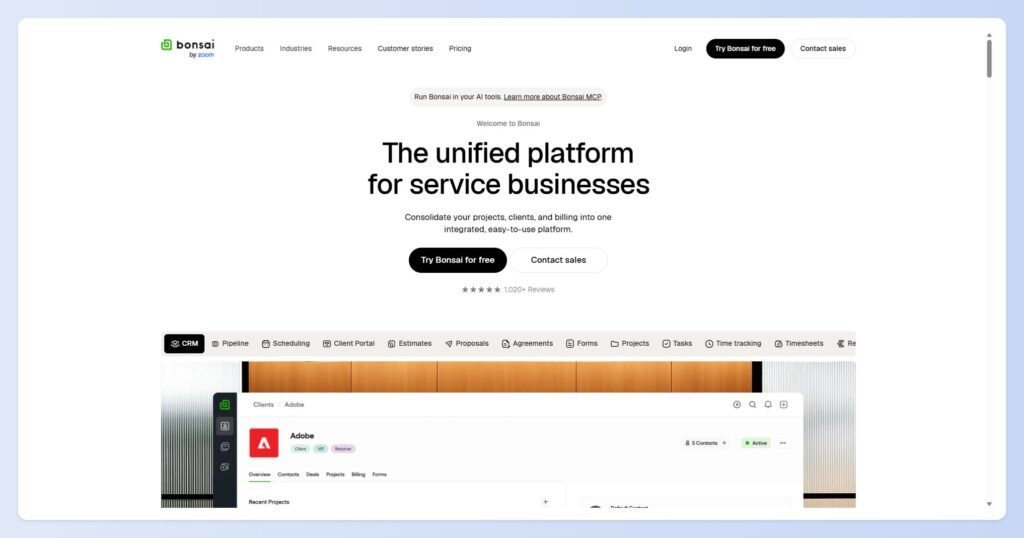
Bonsai bundles invoicing with proposals, contracts, e-signatures, and time tracking, so your whole client workflow — from pitch to payment — lives in one branded workspace. It’s built to replace four or five separate tools.
- Price: Basic around $9/user/month, Essentials $19, Premium $29, Elite $49; Bonsai Tax is a separate ~$100/year add-on (US only). Free trial available.
- Platform: Web, iOS, Android.
- Key features: invoicing, proposals, contracts + e-sign, time tracking, expenses, client CRM, recurring billing.
- Pros:
- Genuine all-in-one — replaces several tools
- Clean, professional client-facing experience
- Cohesive branding across proposals, contracts, and invoices
- Cons:
- Reports of payment processing delays (7–10 business days) and occasionally held funds
- Prices have risen, plus the extra tax add-on
- Project management is basic; support can be slow
- Reviews: around 4.6 on Capterra and 4.3 on G2. Users love consolidating their stack — one G2 reviewer notes it cut their monthly software spend — while recent complaints focus on payment delays and rising cost.
- Best for: freelancers who want contracts, proposals, and invoices in one professional package and bill at flat or retainer rates.
Harvest — best for hourly billers
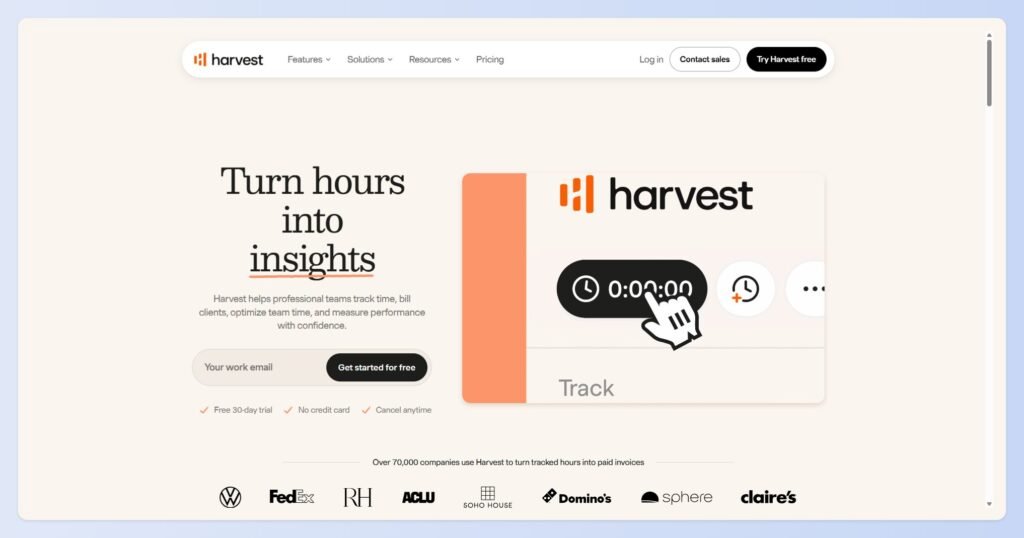
Harvest’s strength is turning tracked time into an invoice in a few clicks, which makes it the natural pick for freelancers who bill by the hour. Log time against a client and project, then generate a detailed invoice from it.
- Price: Free plan ($0 forever, 1 seat, 2 projects); Pro around $11–14/seat/month.
- Platform: Web, iOS, Android, plus browser extensions.
- Key features: time tracking, time-to-invoice conversion, per-project/per-task rates, Stripe and PayPal payments, automatic reminders, QuickBooks integration.
- Pros:
- Seamless time-to-invoice workflow
- Clean, intuitive, and quick to set up
- Solid integrations (Stripe, PayPal, QuickBooks)
- Cons:
- One user reported a silent $80 “application fee” deducted from an invoice payment on a trial account — receiving $1,861.70 on a $2,000 invoice with no warning
- Price increases over time
- Per-seat costs climb for growing teams
- Reviews: around 4.5 on Capterra; some long-time users have grown wary of pricing (see this in-depth review). Loved for time-to-invoice, watched carefully for fees.
- Best for: hourly freelancers and consultants who want billing built directly on time tracking. (If hourly billing is your whole model, see our dedicated guide to time tracking and invoicing software.)
PayPal, Stripe, and Square Invoicing — best no-subscription option
If you only invoice occasionally, PayPal, Stripe, and Square all let you send invoices and take payment with no monthly fee — you just pay per transaction. Your clients already recognize and trust them, which can speed up payment.
- Price: No subscription; roughly 2.9% + a fixed fee per payment.
- Platform: Web, iOS, Android.
- Key features: send invoices, payment links, basic reminders, instant card/wallet payments.
- Pros:
- No monthly cost — pay only when you get paid
- Clients already trust the brand
- Fast to set up
- Cons:
- Per-transaction fees add up at volume
- Thin on freelance features (limited recurring billing, branding, reporting)
- Dispute and account-hold risk, particularly with PayPal
- Best for: freelancers who bill rarely or want zero subscription commitment.
A note on QuickBooks and Xero
QuickBooks and Xero are accounting-led platforms with strong invoicing built in. They’re overkill if all you need is to send invoices, but the right call if you want full bookkeeping in the same place — see our guide to accounting software for freelancers.
The payment-trust problem no one warns freelancers about

A billing tool’s real job is getting money into your account — and several popular ones have documented issues holding funds or skimming surprise fees. Before you route client payments through any tool, check its payout reputation, not just its feature list.
This is the part the vendor-written roundups leave out, and it’s the part that can actually cost you.
The pattern shows up across otherwise well-rated tools.
Wave earns solid software scores but a 1.3 on Trustpilot, largely from users reporting frozen accounts and held payments.
Bonsai reviewers describe 7–10 business-day payment delays and, in some cases, funds held without a clear explanation.
And Harvest, on trial accounts, has silently deducted an $80 fee from invoice payments — one user received $1,861.70 on a $2,000 invoice with no warning.
None of this means these tools are scams — they serve plenty of freelancers well. But it does mean you should protect yourself:
- Read the payout reviews specifically — search “[tool] held funds” before you commit, not just the feature reviews.
- Test with a small invoice first — send yourself or a friendly client a small one and watch how fast (and how cleanly) the money lands.
- Keep a backup payment method — don’t route 100% of your income through one processor.
- Check the fine print on trial accounts — that’s where surprise fees tend to hide.
FreshBooks vs Wave: which should a freelancer pick?
Pick FreshBooks if you bill regularly and want a polished, automated, invoice-first tool and will pay for it; pick Wave if budget is the priority and your needs are simple — but use a trusted payment method and watch for holds. They’re the two most-compared tools here for a reason: one is the premium standard, the other the free standard.
| FreshBooks | Wave | |
| Price | Lite ~$23/mo and up | Free; Pro ~$19/mo |
| Free plan | Trial only | Yes (unlimited invoices) |
| Automation | Strong | Basic |
| Accounting | Add-on depth | Included |
| Watch out for | Rising prices, client caps | Held funds, US/Canada only |
| Best for | Regular, professional billing | Tight budgets, simple needs |
If you send invoices every week and the admin is eating your time, FreshBooks’ automation earns its cost. If you send a handful a month and every dollar counts, Wave is hard to argue with — just mind the payment side.
How to choose freelance billing software
Match the tool to how you bill and how much you’re willing to pay — then check its payout reputation before you commit. Here’s the short version.
| If you… | Pick | Why |
| Want free with real accounting | Wave or Zoho Invoice | $0, full invoicing |
| Bill regularly wants to polish | FreshBooks | Automation, clean UX |
| Want data control / self-host | Invoice Ninja | Open-source |
| Want contracts + invoices in one | Bonsai | All-in-one workspace |
| Bill by the hour | Harvest | Time → invoice |
| Only invoice occasionally | PayPal / Stripe / Square | No subscription |
The bottom line
The best freelance billing software isn’t the one with the prettiest template — it’s the one that fits how you bill, keeps fees reasonable, and reliably gets money into your account.
Match the tool to your billing style, check its payout reputation, and start for free if you can.
Then let the software chase the invoices so you don’t have to.
Still unsure whether you need a full billing platform or just an invoicing solution? Check out our guide to the best invoicing tools for freelancers before making your choice.
Frequently Asked Questions
What is the best billing software for freelancers?
For most freelancers, FreshBooks is the best paid all-rounder, while Wave and Zoho Invoice are the best free options.
The right pick depends on how you bill: Invoice Ninja for data control, Bonsai for an all-in-one workspace, Harvest for hourly billing, and PayPal or Stripe if you only invoice occasionally.
What’s the best free invoicing software for freelancers?
Zoho Invoice offers the richest free feature set, Wave adds real accounting for free, and Invoice Ninja is best if you want open-source control or self-hosting.
All three can run a freelance business at $0, though each has caveats worth checking — especially Wave’s payment holds.
Which invoicing tool has the lowest payment fees?
Most tools use standard card processing of around 2.9% + a fixed fee, so the fee itself is similar across Wave, FreshBooks, Stripe, and others.
The bigger cost differences come from monthly subscriptions and, occasionally, surprise fees on trial accounts — so read the payment fine print, not just the headline rate.
Do I need billing software or can I just use PayPal?
If you only send a few invoices a month, PayPal, Stripe, or Square are fine and cost nothing monthly.
Dedicated billing software earns its place once you want recurring invoices, automated reminders, branded templates, expense tracking, or multi-currency support — the things that save real time as your client list grows.
What’s the best billing software for hourly freelancers?
Harvest is the strongest pick for hourly billing because it turns tracked time directly into invoices with per-project and per-task rates. FreshBooks and Bonsai also include time tracking. For an hourly-first workflow, see our guide to time tracking and invoicing software.
Is Wave safe for freelancer payments?
Wave’s invoicing and accounting are well regarded, but its payment processing has a poor reputation — a 1.3 Trustpilot score driven by reports of frozen accounts and held funds. It’s not a scam, but if you use Wave, test payouts with a small invoice first and keep a backup payment method.
Which billing software is best for international clients?
Zoho Invoice, FreshBooks, and Xero all handle multi-currency well. Avoid Wave for this, as it no longer accepts new accounts outside the US and Canada. Also, confirm the tool supports the payment methods your international clients actually use before committing.
Related guides: best invoicing tool for freelancers · time tracking and invoicing software for freelancers · accounting software for freelancers